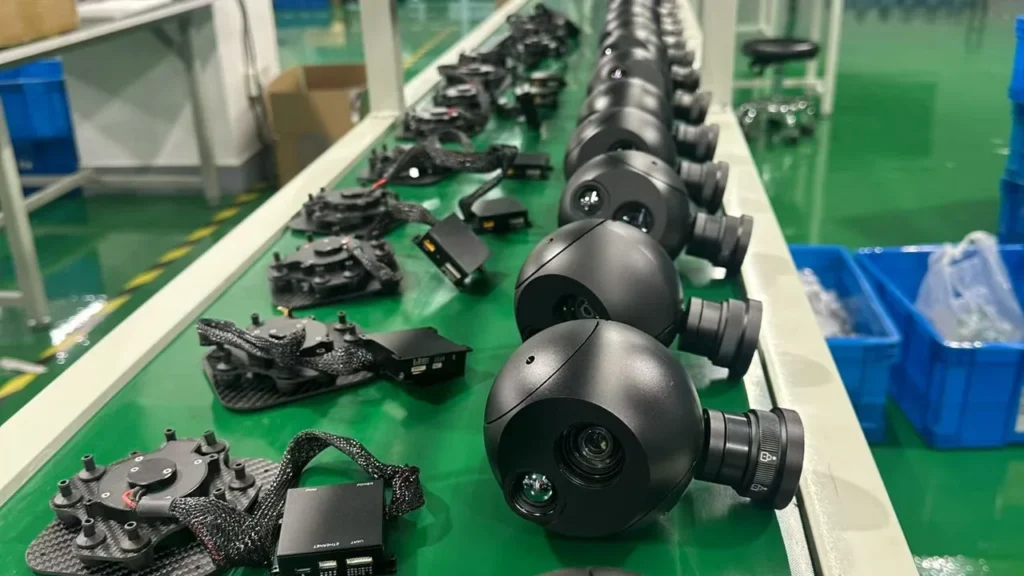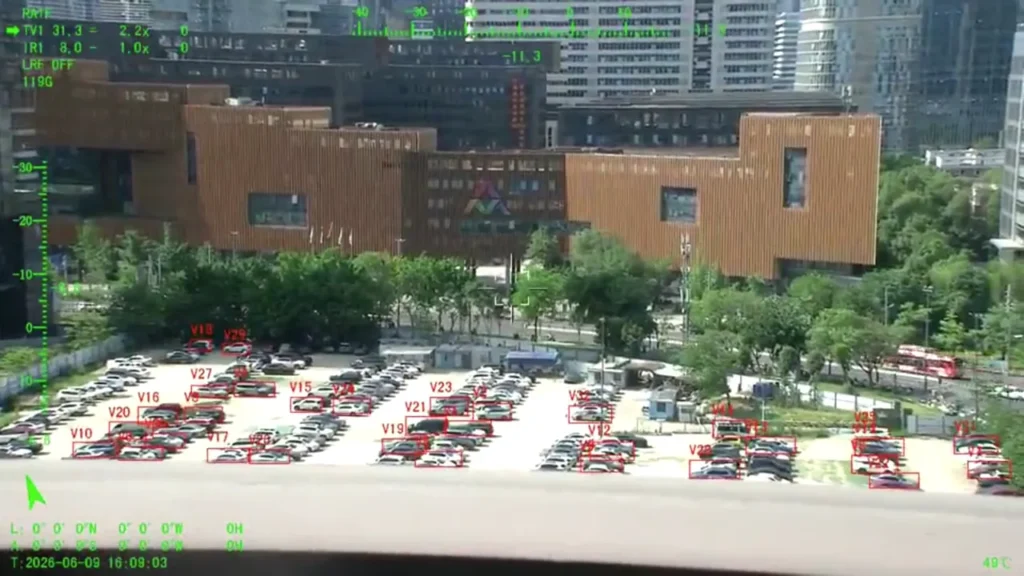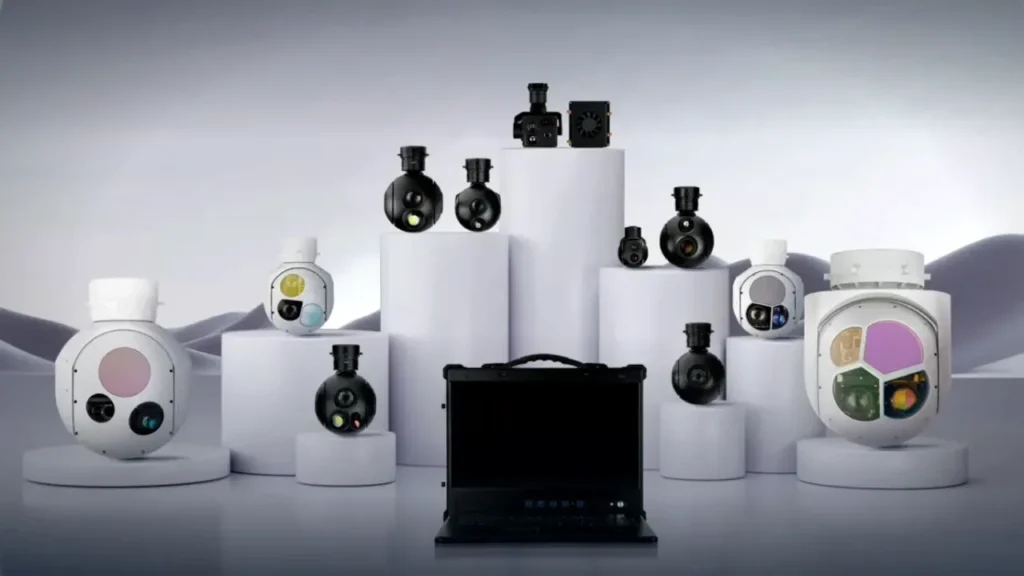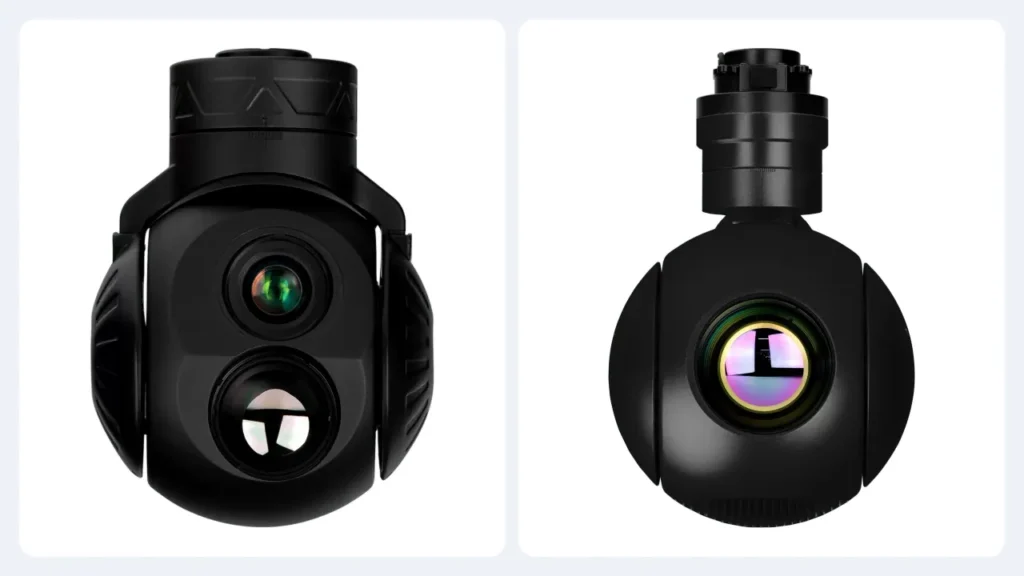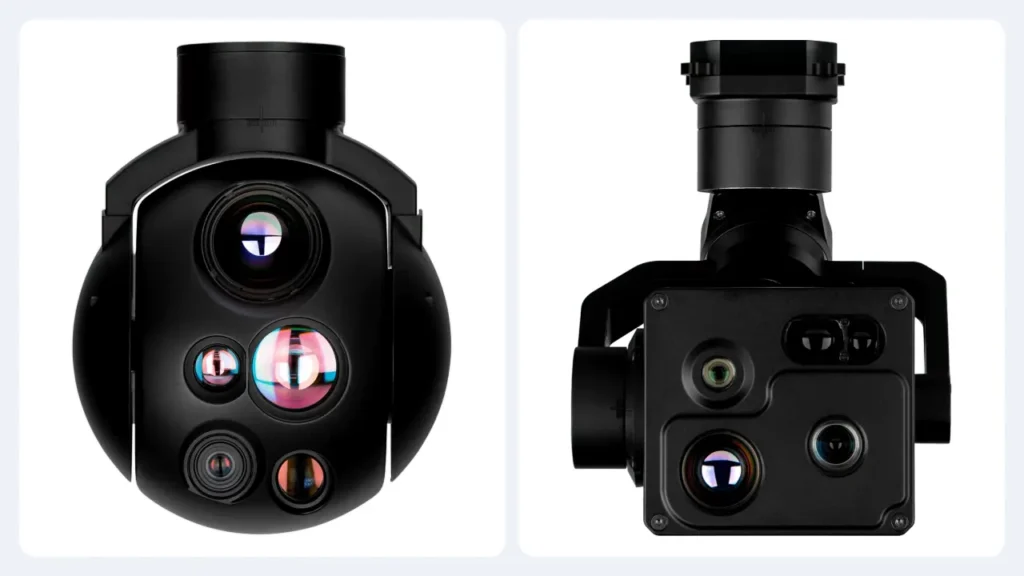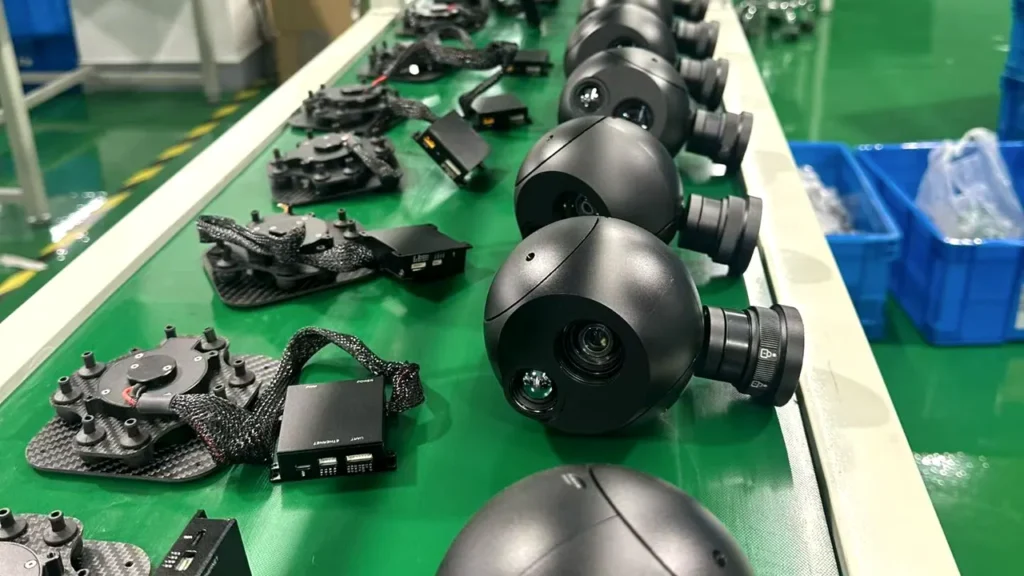
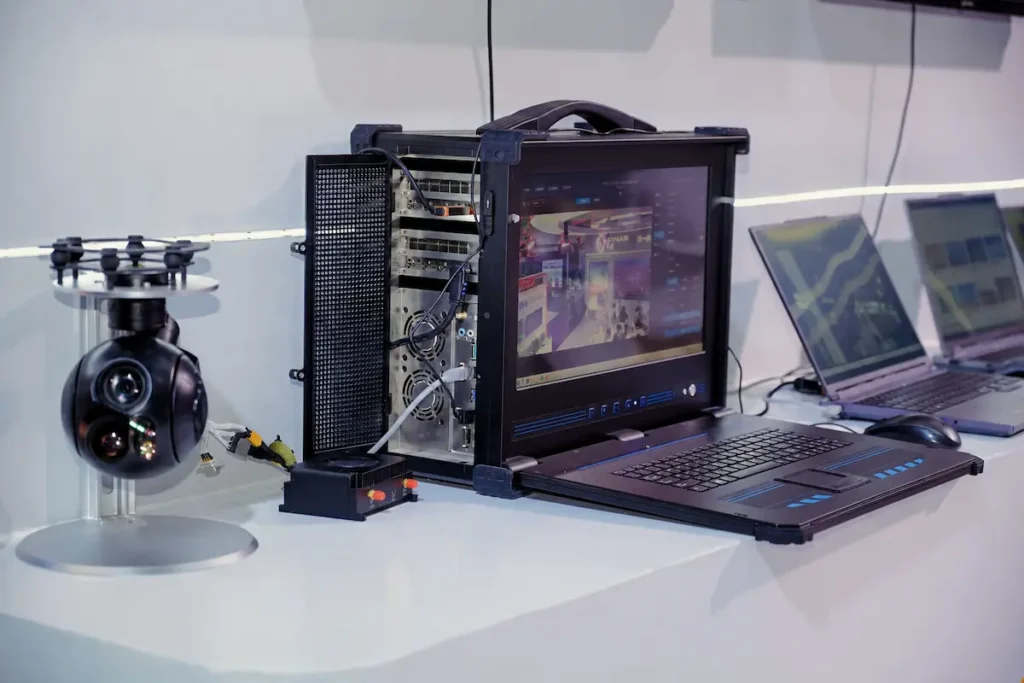
“Upload, wait, analyse.” That’s the routine most imaging payloads were built around, and it’s why so much aerial imagery only gets looked at after the aircraft has landed. Put the inference on the payload instead and the timing changes. More to the point, so does what your operator can actually do while the aircraft is still in the air. So where should the compute live?
Three places to put the compute
AI in an imaging system can run in the payload, on the ground station, or in the cloud. Each one carries a different cost structure, so it’s worth knowing what you’re trading. In practice the right answer usually involves two of the three, not one.
| Consideration | Payload (edge) | Ground station | Cloud |
|---|---|---|---|
| Where the pixels go | Stay inside the pod | Full-rate link to the operator | Full-rate link, usually after landing |
| Compute available | Watts and millimetres, shared with gimbal motors | Laptop-class, mains powered | Effectively unlimited |
| Works without a link | Yes | No | No |
| Model size | Compact, quantised | Large | Largest |
| Update cycle | Slow, needs a payload firmware path | Fast, software install | Continuous |
| Data leaves the platform | No | Downlink only, controlled by the operator | Yes |
| Natural job | Detect, classify, track, cue, keep locked | Fuse, display, log, report | Train, re-train, fleet analytics, archive |
The latency budget
Latency usually decides the question, so it’s worth putting rough numbers on it. A cloud round trip has four stages: payload to aircraft, aircraft to ground, ground to internet, then inference and the return path. Over a good urban link the inference itself may be the smallest part of the total. Over water or in the mountains the link decides everything, and that’s exactly where a delayed answer is least useful.
| Stage | Edge | Ground station | Cloud |
|---|---|---|---|
| Capture to inference input | Milliseconds | Tens to hundreds of ms | Hundreds of ms to seconds |
| Inference | Milliseconds | Tens of ms | Tens of ms, once queued |
| Result back to operator | In the video stream | Local display | Same path again |
| Behaviour on link loss | Unchanged | Stops | Stops |
Design rule: anything that must influence the flight or the camera in the next few hundred milliseconds cannot depend on a link. That’s a functional requirement, not a preference.
What genuinely works on-board today
Five functions are reliable enough to plan a mission around. Everything else is still research, whatever the brochure says.
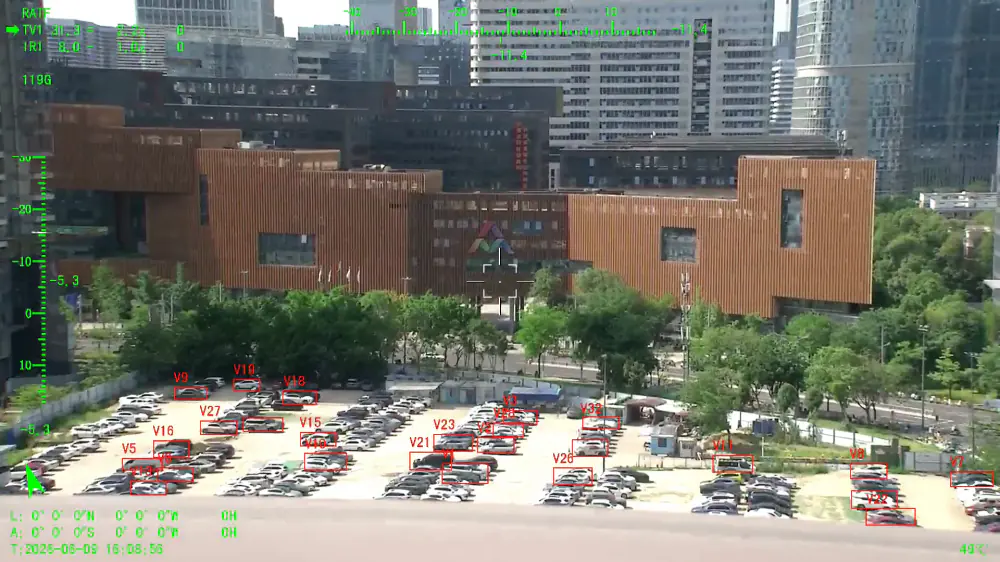
- Detection. Locating objects of interest in a single frame, with a confidence value, across a broad class set.
- Classification. Refining a detection into a category (vehicle, vessel, person, structure) where the training set supports it.
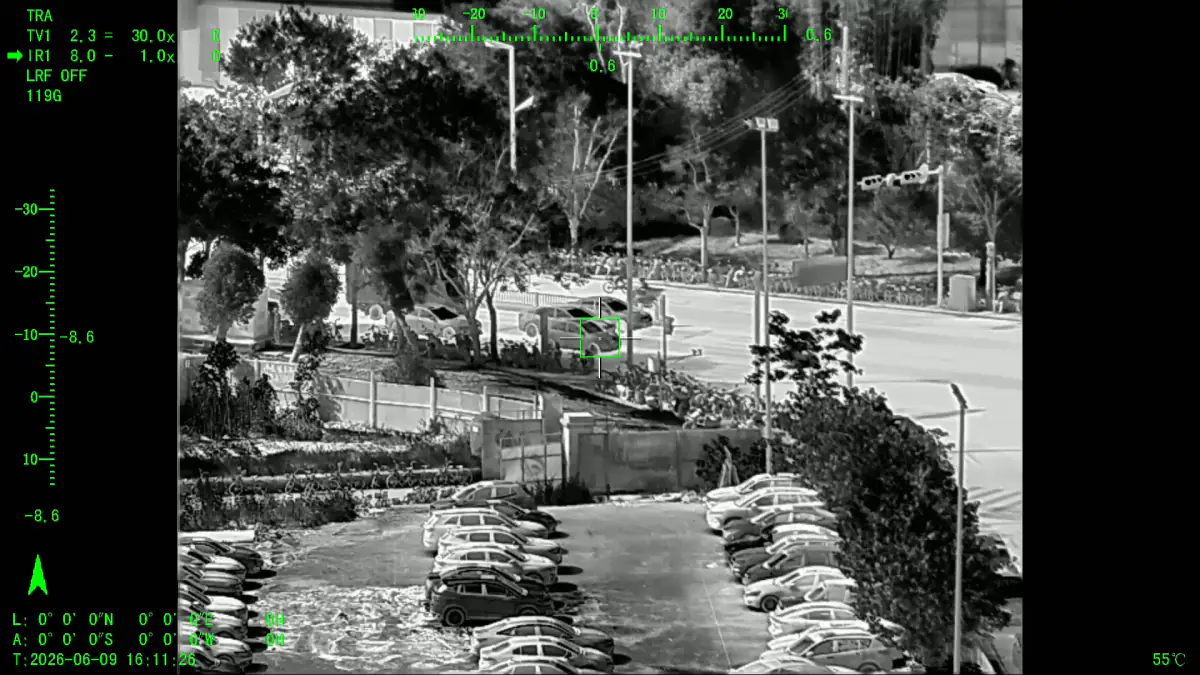
- Tracking. Maintaining identity frame to frame, including through brief occlusion, so a target survives the aircraft turning or passing behind an obstruction.
- Geo-referencing. Combining gimbal angles, aircraft position and a laser rangefinder reading to attach coordinates to a detection.
- Scene matching and cueing. Being told where to look, finding the corresponding object, and locking it. That’s the pattern that turns a map click into a tracked target.
What still belongs on the ground
On-board models are small. If you expect one to handle wide-area fusion, long-horizon pattern analysis or report writing, you’ll be disappointed. Those jobs suit a ground station or a back office, where there’s power, storage and screen area, and where a person can review the output. The division of labour that works is simple: the payload answers “what’s in front of me, and where is it”, and the ground answers “what does that mean across this flight and the last twenty”.
Why mass class decides the AI
Power and heat set the ceiling on what runs inside a payload, not ambition. A 900 g head has a budget measured in single-digit watts once its motors are fed. A 15 kg turret has room for real compute. That’s why the same model doesn’t get deployed across a whole product family, and why weight class predicts capability better than a feature list does.
| Payload class | Realistic on-board AI | What to expect |
|---|---|---|
| Under 1 kg | Single-model detection or tracking on one channel | Excellent for cueing and counting; limited class breadth |
| 1–5 kg | Multi-class detection on visible and IR, tracking, geo-referencing | The working range for most inspection and patrol missions |
| 5–15 kg | Parallel models, wider class coverage, higher frame rates | Suitable for surveillance and ISR where several targets are tracked at once |
| Over 15 kg | Custom model sets, sensor fusion, dedicated compute modules | Project-specific configuration rather than off-the-shelf behaviour |
Designing the workflow, not just the payload
Teams that actually get value from on-board AI tend to settle three things long before they pick hardware.
- What must happen in flight. If the answer is “keep this target in frame” or “tell me when something enters this area”, it belongs on the payload.
- What must be recorded as evidence. Detections without timestamps, coordinates and video context are hard to defend later, so plan the record as carefully as you plan the detection.
- What the operator is allowed to override. An autonomous system that cannot be corrected quickly is a liability, whatever its accuracy.
This is where a payload meets the rest of the system: how the gimbal behaves during a track, which lens suits the ranges you care about, and whether there’s a laser rangefinder available to give detections real coordinates. We go deeper on sensor pairing in our note on EO/IR sensor pairing.
Evaluating claims
Three questions separate a working capability from a demonstration. First, ask for latency measured end to end, not inference time on its own. Second, ask what happens when the target is partly hidden, backlit or moving fast. Third, ask how the model gets updated after delivery, because the place you operate in is rarely the place the model was trained. A supplier who answers all three plainly is worth more of your time than one with a longer feature list.
Where the weight goes
It’s worth being concrete about what a payload spends its mass on, because it explains why on-board intelligence shows up later on small heads than on large ones. In a typical stabilised head the budget splits between optics and sensors, the gimbal structure and motors, the processing board with its memory, and the housing that keeps all of it dry and cool. Add inference and you have to enlarge the processing board, which usually means enlarging the housing and the thermal path. Those two are the tightest constraints of all when the whole pod weighs less than a kilogram.
A useful question at the specification stage: what’s the payload’s power draw at maximum zoom with detection running, and what does that leave for the aircraft?
Four mistakes that show up in the field
- Sizing the model before the lens. Classification accuracy is capped by how many pixels the object occupies, so optical range comes first. The algorithm only refines what the optics deliver.
- Assuming the demonstration was live. A recorded clip proves the model can work. A live demonstration over your own terrain proves it does.
- Ignoring the record. A detection is only useful later if the video, timestamp, position and model version were recorded together.
- Treating tracking as hands-off. Every operation needs a fast, unambiguous way for the operator to break a lock and re-cue a different object.
Key takeaways
- Put detection, tracking and cueing on the payload; put fusion, reporting and training on the ground.
- Latency and operation without a link are functional requirements, not performance preferences.
- Small models are small models: argue about coverage and contrast performance, not benchmark scores.
- Weight class determines the compute budget, and therefore the AI a pod can honestly carry.
- Decide the workflow first: what happens in flight, what gets recorded, what the operator can override.
If you’re scoping a payload that has to detect and track rather than simply record, look at the AI tracking technology note, the EO/IR pod range including the XQ-255T, or the zoom camera technology overview. To match a configuration to your platform, contact the engineering team.