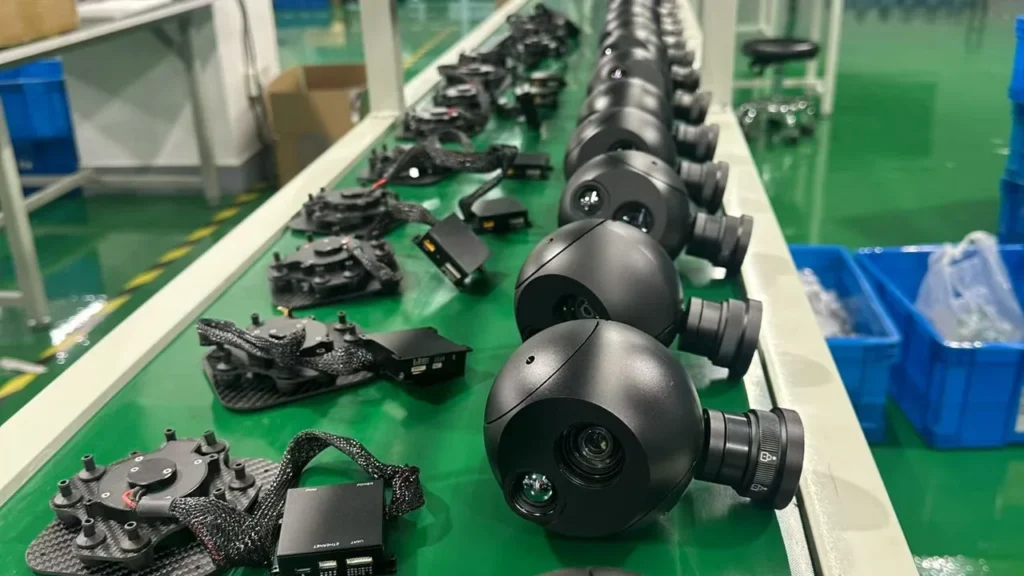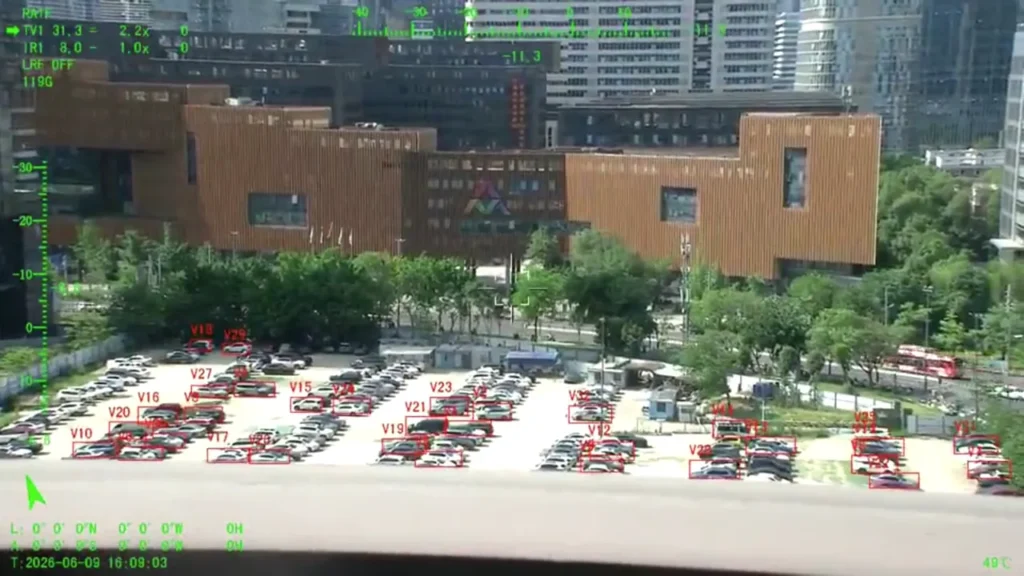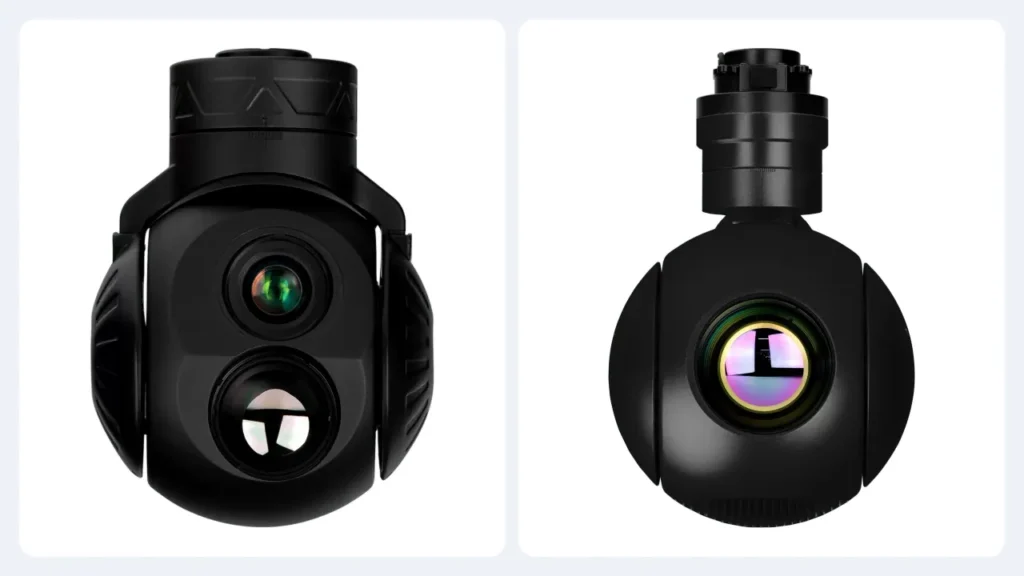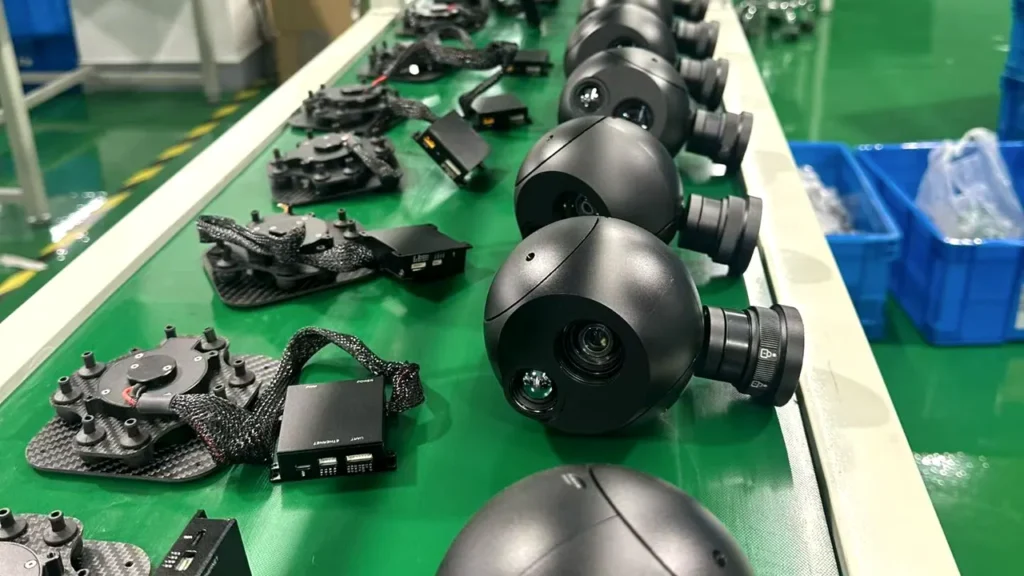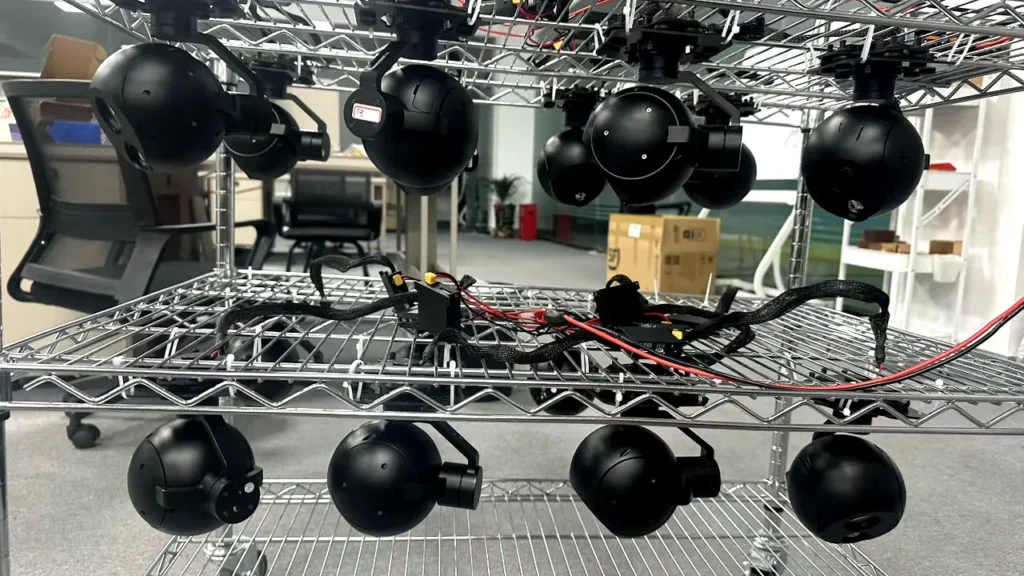
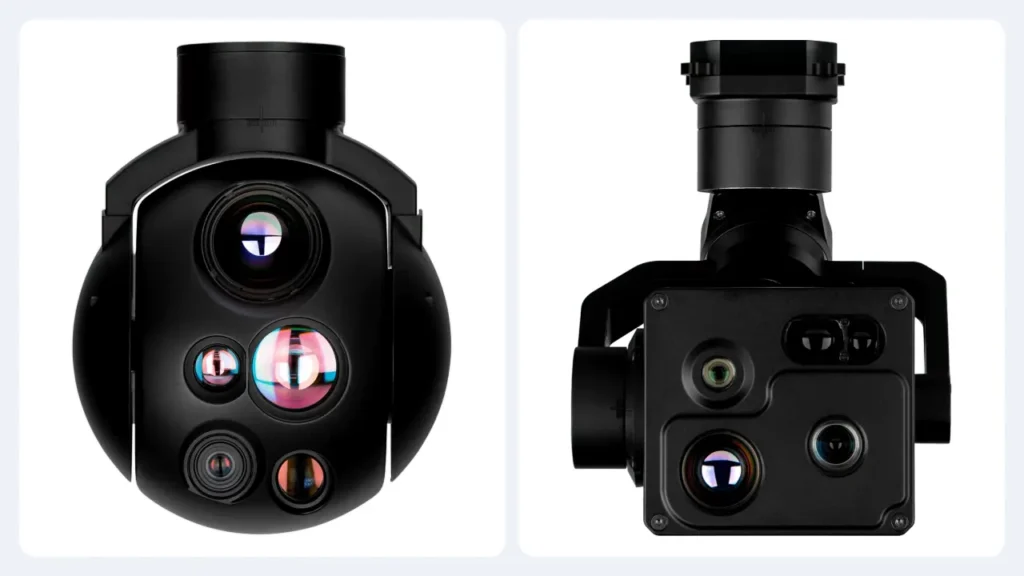
Which is better, a two-axis or a three-axis gimbal? The honest answer is that the question is malformed. A gimbal holds your line of sight against whatever the aircraft is doing. So the thing that decides the answer is what your aircraft actually does.
Three axes is more hardware than two. More isn’t automatically better, and it’s definitely not automatically heavier, which surprises most people who assume the axis count drives the mass. In our own range a two-axis head weighs 500 g while the lightest three-axis head comes in at 400 g, because the sensors and optics inside them are completely different.
So this article does the comparison properly: what each design holds, what it gives up, how to read a stabilisation claim, and how to work out which one belongs under your airframe.
What a stabilised gimbal actually does
A stabilised gimbal camera isn’t a camera that happens to move. It’s a control system whose job is to keep the lens pointed where you asked while the aircraft vibrates, gusts and turns underneath it.
Motor vibration, aerodynamic disturbance and hard manoeuvres all push the line of sight around. The gimbal senses that movement and drives motors the other way to cancel it. How well it succeeds depends on more than motor quality: the mount, the vibration isolation, the airframe’s own resonances and the tuning of the controller all show up in the footage [1].
That’s why two identical payloads on two different aircraft can produce very different video, and why “how many axes” is only the first question rather than the answer.
Pitch, roll and yaw in plain terms
- Pitch is the nose going up and down.
- Roll is the aircraft tipping side to side, which is what pushes your horizon off level.
- Yaw is turning left and right, the change of heading.
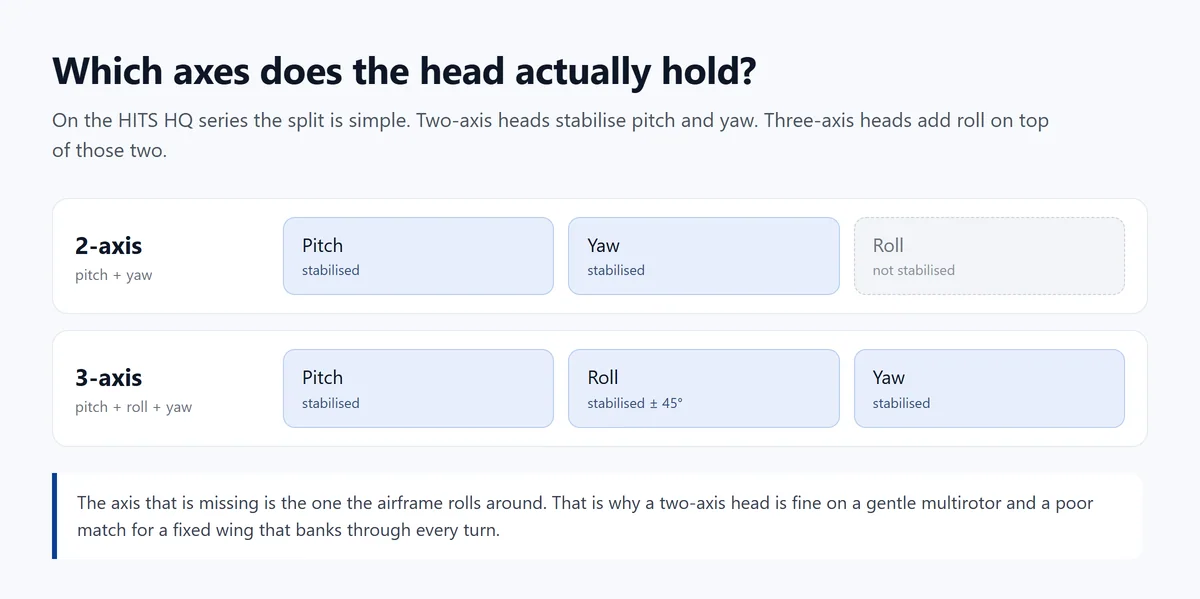
A three-axis head holds all three mechanically. A two-axis head holds two of them. And which two depends on how the manufacturer built it, not on a rule. It’s worth checking the drawing rather than assuming.
How a two-axis gimbal works, and what it gives up
Which two axes you get
Two controlled axes, and the pairing matters. A pitch-and-yaw head gives you vertical aiming and heading control, which is what a gentle multirotor needs. A pitch-and-roll head is built for a different problem: holding a level horizon on a platform that tips.
Our compact two-axis heads use pitch and yaw: the two-axis range is built on that arrangement, and the model pages describe the axes as direct-drive pitch and yaw. Other manufacturers build their two-axis products around tilt and roll instead [3], so this is genuinely a question to ask rather than a category to assume.
What a two-axis design is good at
Two axes means fewer moving parts, and that usually means a simpler integration and less to go wrong:
- Fewer mechanical components, so less to calibrate and maintain.
- Compact envelope, which matters when the payload bay is small.
- Lower power draw in comparable designs, which converts directly into flight time.
- A simpler mount, because there’s less hardware swinging under the airframe.
One caution: the weight advantage is a property of the whole payload, not of the axis count. Don’t assume a two-axis head is lighter until you’ve read both datasheets.
The limitation worth understanding
A two-axis gimbal can’t independently stabilise the axis it doesn’t have. On a pitch-and-yaw head, aircraft roll isn’t cancelled mechanically. So when the airframe banks, the horizon in the image banks with it unless something else compensates.
On a multirotor in a hover, that rarely matters. On a fixed wing leaning into a turn, it matters immediately, and it matters more the longer the lens you’re carrying.
How a three-axis gimbal works, and what the extra axis costs
Roll, and why it is the axis that matters
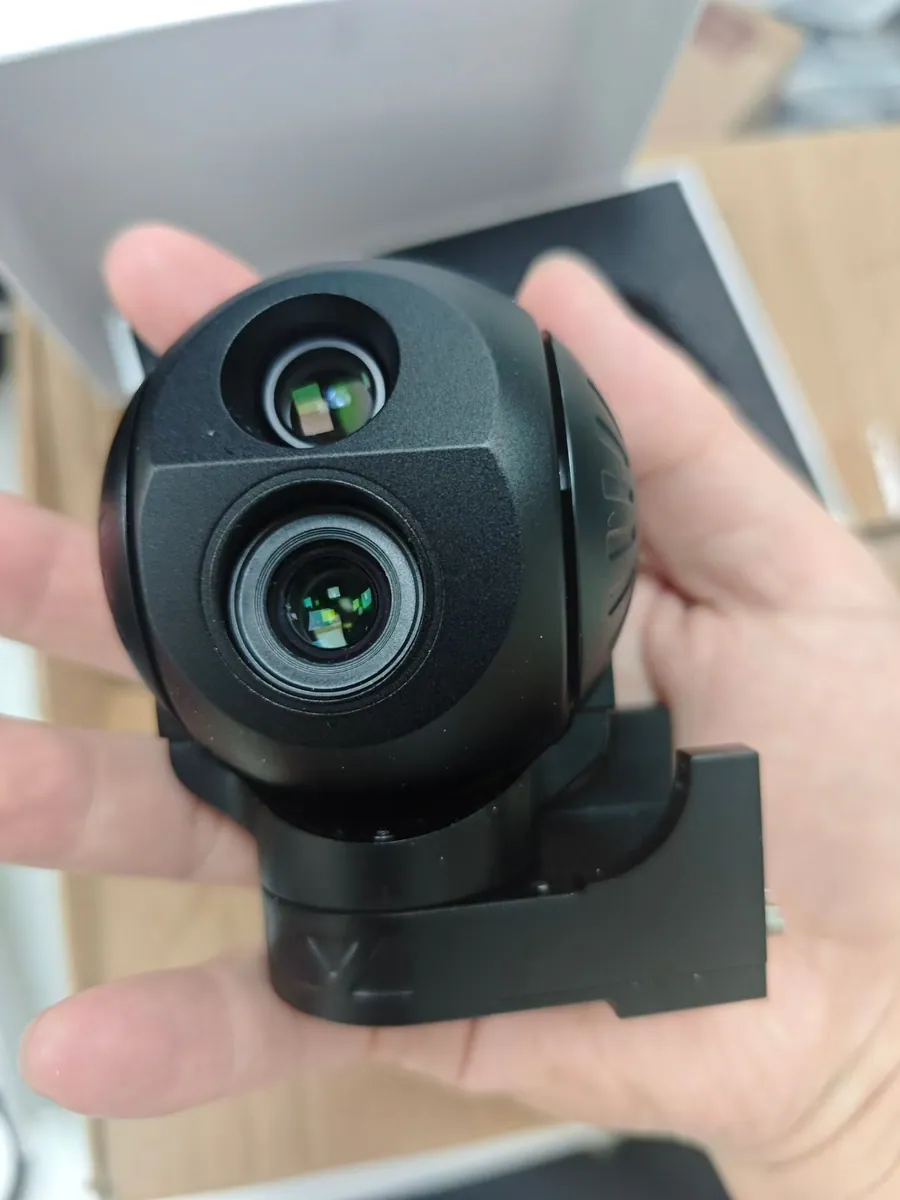
A three-axis head adds mechanical roll stabilisation on top of pitch and yaw. On a fixed-wing aircraft or a helicopter, that third axis is the difference between a level horizon and a horizon that leans with every turn.
The reason it matters so much with a long lens is arithmetic. Angular movement that’s invisible on a wide field of view becomes a large movement in the frame when you’re zoomed in. Half a degree of residual roll is nothing at 5x and a visibly tilting image at 30x.
Yaw stabilisation does the same job horizontally: it holds the viewing direction while the aircraft changes heading, so the operator doesn’t have to re-acquire the target after every turn.
What it costs, and what it does not
An extra axis means an extra motor, extra mechanical structure and extra control. In otherwise comparable hardware that usually shows up as weight, power and complexity.
The trap is treating that as a rule. In our own range the 500 g two-axis HQ-85Q carries EO, thermal and a 3 km laser rangefinder. The 400 g three-axis HQ-95Q carries four optical channels and a 1.5 km LRF. The three-axis head is the lighter one, because the payload inside it’s a different design.
So compare complete configurations, not axis counts. Sensor choice, optic size, housing and how the electronics are packaged all move the final weight more than the axis count does.
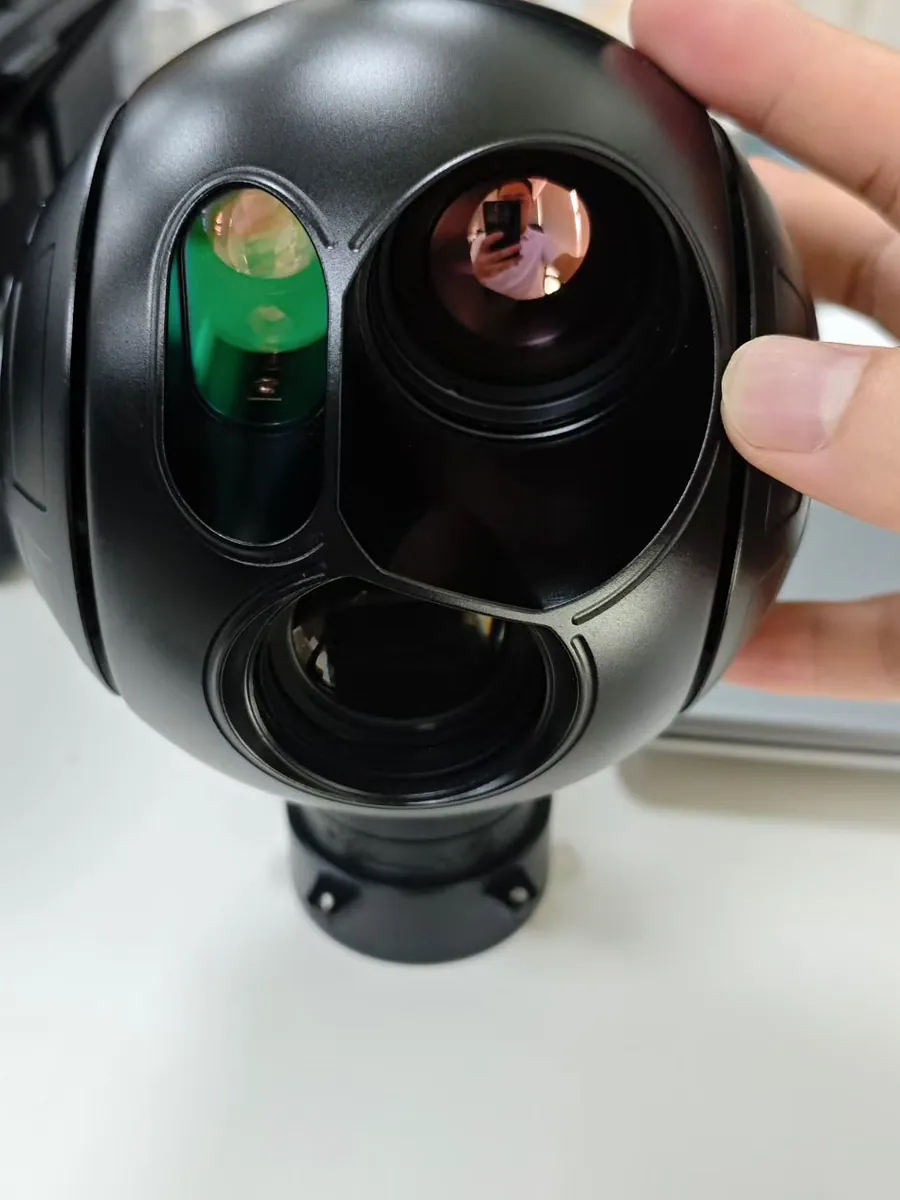
2-axis vs 3-axis: the differences that matter
Here’s the comparison in the form a specification meeting usually needs it. These are general engineering tendencies, not measured differences between two specific products.
| Comparison | 2-axis gimbal | 3-axis gimbal |
|---|---|---|
| Mechanical axes | Two controlled axes | Three controlled axes |
| Typical arrangement | Pitch + yaw on the HITS two-axis range | Pitch + roll + yaw |
| Missing-axis compensation | Handled elsewhere or accepted as a limit | Independent mechanical control available |
| Weight | Can be lighter, but the payload decides | Can be lighter than a two-axis head of the same family |
| Power consumption | Potentially lower | Depends on design and operating conditions |
| Mechanical complexity | Often simpler | Generally more complex |
| Installation | Compact envelope | More clearance needed for the extra axis |
| Best fit | Mission dependent | Mission dependent |
Stabilisation performance
The axis count describes what the gimbal can control mechanically. It says nothing about accuracy. A well-built two-axis head on a platform that doesn’t roll can deliver excellent footage; a badly tuned three-axis head can still show vibration and lag.
When you compare claims, compare the right numbers: pointing accuracy, repeatability and residual line-of-sight jitter are three different specifications. A gimbal can be accurate at reaching a commanded angle and still shake in flight.
Weight and payload capacity
What matters to the airframe is the installed mass, not the payload’s own figure. That number includes the mount, the vibration isolators, the cables, and any connector plates you add at integration.
If you’re fitting a light multirotor, weigh the complete assembly rather than the datasheet figure, then check it against the payload budget you have after batteries.
Power
Power draw comes from the motors, the control electronics, the sensors and how hard the gimbal is working. A three-axis head holds a larger moving mass, so it may draw more in a comparable design, but a comparable design is rarely what you’re choosing between.
Put the manufacturer’s measured normal and peak figures in the same table as your power budget instead of estimating from the axis count.
Installation and clearance
The payload has to move without hitting anything. Landing gear, antennas, structural members and the cable run all limit how far the head can travel, and those limits show up as lost angles rather than as errors in the datasheet.
Ask for the CAD model and the rotation limits before you commit, and check the cable route at the extremes of travel, not just at the neutral position.
Cost and maintenance
Two axes usually means a simpler mechanism and fewer things to calibrate. Three axes adds components, and components need attention over a fleet’s life.
But purchase price is a poor ranking on its own. Imaging capability, integration engineering, reliability and after-sales support all belong in the same comparison, and a payload that saves a second flight per route usually beats one that costs less and misses. If you want the wider framework for that, it sits in how to choose an industrial UAV gimbal camera.
Which gimbal suits which aircraft
Small multirotors
Small multirotors have hard payload and power limits, and they also tend to fly gently. A compact two-axis EO or EO/IR head is often the right answer, because the axis it lacks is the one the aircraft isn’t using much anyway.
That said, don’t rule out a light three-axis head by default. If the mission needs a level horizon or a longer lens, and a three-axis unit fits inside the budget, it’s a better answer than a two-axis head that can’t hold the shot.
Heavy-lift industrial multirotors
Once payload capacity stops being the binding constraint, the selection moves to the imaging requirements. On a large multirotor you can usually choose the stabilisation you want rather than the one you can afford in grams.
That’s also where a three-axis head earns its place on a multirotor. Heavier airframes in stronger wind produce more roll and more disturbance, and a roll-isolated head keeps a long lens steady in conditions a lighter platform wouldn’t fly in at all.
Fixed-wing and VTOL
Fixed-wing aircraft bank through every turn, which puts roll behaviour at the centre of the decision. VTOL platforms add a second issue: the vibration and motion signature in hover is different from the signature in forward flight, so the gimbal has to behave acceptably in both regimes.
A three-axis configuration is the usual answer here, particularly with a long focal length. It’s still an integration question rather than a purchase decision, though. Mounting, control modes and the airframe’s own design decide whether the extra axis actually delivers in the air.
Aircraft with strict SWaP limits
SWaP is size, weight and power, and it’s usually the constraint that starts the conversation on smaller platforms. The right way to work inside it’s to compare complete payload configurations rather than axis counts in isolation.
Our own published range makes the point better than any rule of thumb:
| HITS model | Axes | Sensor configuration | Published weight |
|---|---|---|---|
| HQ-64DB | 2-axis | Dual EO, 2688 x 1520 | 240 g |
| HQ-64DA | 2-axis | EO 2688 x 1520 plus 640 x 512 thermal | 260 g |
| HQ-85Q | 2-axis | EO + thermal + 3 km LRF | 500 g |
| HQ-95Q | 3-axis | EO + thermal + 1.5 km LRF, four optical channels | 400 g |
| HQ-100D | 3-axis | EO + thermal | 800 g |
| HQ-115D | 3-axis | 30x EO zoom plus 640 x 512 thermal | 1 kg |
Source: HITS gimbal cameras, manufacturer-published specifications. These models differ in sensors, optics and function, so this isn’t a controlled comparison of axis count alone, and the figures should be reconfirmed against the current datasheet before you order.
Read the HQ-95Q line next to the HQ-85Q line and the point is obvious: three axes at 400 g, two axes at 500 g. Nothing here proves that three-axis designs are lighter in general. It does prove that “three-axis equals heavier” isn’t a rule you can buy on.
How to measure and compare gimbal stability
Angular accuracy is not image quality
Manufacturers quote accuracy figures, and those figures are useful, provided you know what was measured. Pointing accuracy, positioning repeatability and residual line-of-sight jitter are three different things. A head can put the camera precisely on a commanded angle and still show vibration in the recorded video.
So when a datasheet says a payload holds the line of sight to within some number of microradians, that’s a control-loop specification. What the customer actually judges is image stability, which also depends on mounting, isolation and airframe behaviour.
Vibration, wind and the airframe
Real evaluation means real conditions. Motor vibration, gusts, airframe resonances and fast manoeuvres all feed into the picture, and controller tuning decides how well the loop absorbs them. Manufacturer documentation on gimbal configuration makes the same point: stiffness settings that are wrong can introduce oscillation rather than remove it [5].
That’s worth remembering when a demo looks perfect and the same payload behaves differently on your aircraft. It’s usually not the payload.
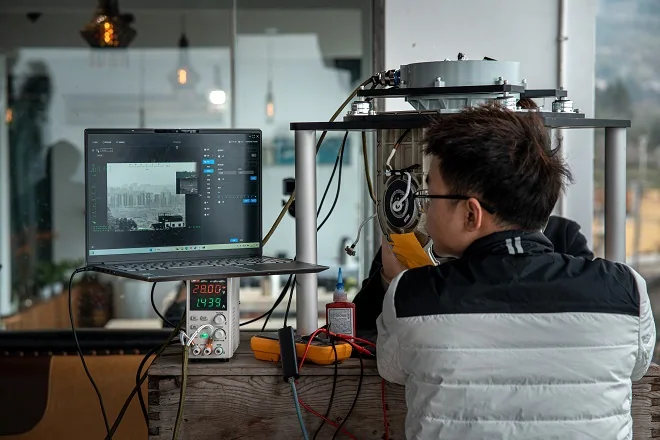
Ask for the test conditions
A performance claim without conditions isn’t comparable to anything. Before you accept one, ask for:
- Which aircraft or test platform was used.
- Which camera and focal length were fitted.
- Which stabilisation mode was active.
- What the vibration and disturbance conditions were.
- How the measurement was taken, and what the acceptance criteria were.
With that, two suppliers can be compared honestly. Without it, you’re comparing marketing.
How to watch a flight-test video
Footage is genuinely useful evidence, if the clips are comparable. Watch for the horizon holding level through turns, visible jitter at high zoom, how quickly the camera settles after a manoeuvre, and whether anything moves in the frame that shouldn’t.
Ask whether digital stabilisation or post-processing was applied. A clip that has been through software stabilisation isn’t a measurement of the gimbal.
Specifications that matter more than axis count
Axis count is one decision among several, and often not the one that decides whether the aircraft earns its keep. Four others come up in almost every project.
Sensor configuration
Visible only, thermal only, or both? That choice is independent of the stabilisation choice, and it usually has a bigger effect on what the mission can deliver. A two-axis EO/IR head can cover a compact inspection programme perfectly well; a three-axis EO-only head is the better instrument when long-range daylight imaging is the job.
If you’re still working out the sensor side, EO vs IR vs EO/IR covers it separately, because the two questions really are separate.
Optical zoom and resolution
There’s a direct relationship between zoom and stabilisation demand: the more you magnify, the more visible any residual movement becomes. That’s an argument for matching the head to the optic, not an argument for buying the most axes available.
Image quality is also a system property. Lens performance, sensor resolution, focus behaviour and processing all contribute, and a camera with more stabilisation axes doesn’t automatically produce sharper pictures.
Weight, mounting and interfaces
The payload has to match the aircraft’s mounting space, its power supply, its flight controller and its ground station.
PX4 documents gimbal control through several input and output methods, including MAVLink and PWM [6], and ArduPilot supports multiple gimbal arrangements [1]. What matters for procurement is narrower: whether the payload you’re buying speaks the protocol your autopilot and ground station actually use, at the firmware version you’ll be flying. That has to be confirmed per model rather than assumed from a family datasheet. The wiring detail is covered in the integration guide.
What the mission needs, and what the budget allows
The right configuration is the one that meets the imaging requirement at an acceptable weight, power draw, integration effort and total cost. Extra capability is worth paying for when it produces something the customer will use, and not when it only looks better on a comparison table.
The selection checklist
A two-axis head is probably right when
- The aircraft has strict SWaP limits and every gram is negotiated.
- The mission can accept the missing axis without losing image quality.
- The required viewing angles are covered by the arrangement on offer.
- Flight testing on your airframe confirms the stability is good enough.
- Lower mechanical complexity has real value for your fleet.
A three-axis head is probably worth the money when
- The aircraft banks often, or holds roll for long periods.
- You need independent control of all three axes to keep a shot framed.
- A long focal length has to stay on target in wind.
- The mission wants flexible camera orientation rather than a fixed discipline.
- Your airframe can carry the complete configuration, not just the payload’s own weight.
What to ask before you order a sample
These are the questions that separate a useful quotation from a price. Send them together and compare the answers side by side.
| Evaluation area | What to ask the manufacturer |
|---|---|
| Stabilisation axes | Which axes are mechanically stabilised, and what are the rotation limits? |
| Performance | How are stabilisation and pointing accuracy measured, and under what conditions? |
| Weight | What’s the total installed mass, including mount and isolation? |
| Power | What are the normal and peak power requirements? |
| Mounting | Are CAD drawings and installation dimensions available? |
| Interfaces | Which control protocols and video outputs are supported, at which firmware version? |
| Testing | Can flight-test footage be supplied with the conditions documented? |
| Support | What documentation, customisation options and warranty terms come with the unit? |
A sample evaluation should test your flight conditions rather than a factory demonstration. If the supplier can’t tell you what was measured, that’s itself the answer.
Frequently asked questions
Is a 3-axis gimbal always better than a 2-axis gimbal?
No. Three axes give you an extra controlled axis, but a two-axis head can meet the imaging requirement of a specific mission with less hardware under the aircraft. What decides it’s how the aircraft moves and what the footage has to show, not the number on the datasheet. Plenty of industrial programmes fly two-axis payloads as their standard fit.
Does a 3-axis gimbal always use more power?
Not necessarily. A three-axis mechanism has an extra motor and more control electronics, so in an otherwise identical design it may draw more. But real consumption depends on the motors, the sensors on board, the control electronics and how hard the loop is working against wind and vibration. Use the manufacturer’s measured normal and peak figures rather than an estimate built on axis count.
Can a 2-axis gimbal carry EO/IR sensors?
Yes. Stabilisation axes and sensor configuration are independent choices. Our HQ-64DA is a two-axis head carrying a 2K visible channel and a 640 x 512 thermal channel at 260 g. The two-axis HQ-85Q adds a 3 km laser rangefinder at 500 g. A dual-sensor payload doesn’t require a third axis. It requires the axes it has to suit the aircraft it’s going on.
Which gimbal is better for VTOL drones?
It depends on the aircraft and the mission. A three-axis head is usually the better answer when the platform banks in forward flight and stable image orientation matters, especially with a long lens. A two-axis head can still be the right fit when its arrangement matches the way the aircraft actually flies. The only reliable way to settle it’s a flight test on your platform, with your lens, in your conditions.
What to take away
Match the stabilisation to the aircraft’s motion, not to a specification hierarchy. If the platform doesn’t roll, the third axis is dead weight, unless the lens is long enough that even small disturbances show. If the platform banks through every turn, a two-axis head is fighting a problem it wasn’t built for.
Then check the numbers that actually differ. A three-axis head isn’t automatically heavier, a two-axis head isn’t automatically lighter, and neither is automatically more accurate. In our own range the two-axis HQ-85Q weighs 500 g and the three-axis HQ-95Q weighs 400 g, which is why the only sensible comparison is between complete configurations.
The right gimbal isn’t defined by how many axes it has. It’s defined by how well it holds the shot your mission needs.
References and technical sources
The stabilisation, mounting and control statements in this article follow the sources below.
- [1] ArduPilot – Servo gimbal documentation. Gimbal axes, camera mounting, vibration reduction and autopilot control.
- [2] HITS – Two-axis gimbal cameras. Manufacturer-published specifications for the two-axis range, including axes, sensor configuration and weight.
- [3] Gremsy – Two-axis gimbal solutions for enterprises. A manufacturer’s discussion of two-axis arrangements, mechanical trade-offs and payload considerations.
- [4] HITS – Three-axis gimbal cameras. Manufacturer-published specifications for the three-axis range, including roll isolation and weights.
- [5] Gremsy – Gimbal configuration documentation. Controller stiffness, tuning and the risk of oscillation.
- [6] PX4 – Gimbal configuration. Gimbal inputs and outputs, MAVLink integration and control configuration.
Technical note: manufacturer-published specifications describe stated product capabilities, not independent comparative measurements. Axis configuration, weight, power, mounting and environmental limits should be reconfirmed against the current model datasheet – and, where it matters, against a flight test on your own aircraft – before ordering.
Find a two-axis or three-axis gimbal camera for your platform
Send us the aircraft type, the payload budget you have left, the interfaces you need and the mission it has to fly. We’ll tell you which configurations fit and which one we’d put on it.
Related reading: the gimbal camera range and the two-axis and three-axis series. If you’re choosing the sensor at the same time, EO vs IR vs EO/IR covers that decision, and how to choose an industrial UAV gimbal camera covers the payload as a whole. Once the camera is chosen, the integration guide takes it through mounting, power, control and video testing. Build and test details are on the factory and quality control pages.