
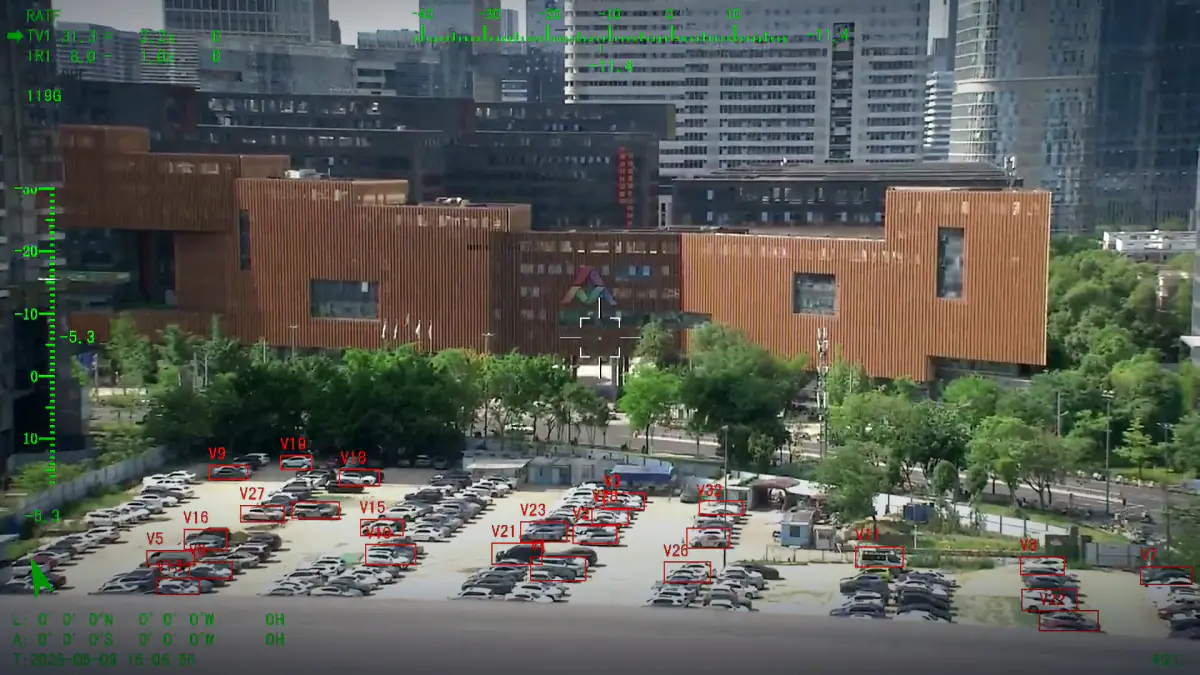
AI Camera Tracking: Onboard Detection and Target Following
Detection, lock and follow running on the payload rather than in the ground station
Tracking is the difference between a camera and a sensor. A payload that can lock an object and hold it in frame frees the operator to watch the object instead of the aircraft, and it frees the autopilot from a command loop that would otherwise fight every gust.
- Person / vehicle / vessel / aircraft
- 20+ simultaneous targets
- Anti-occlusion logic
- Payload-side compute
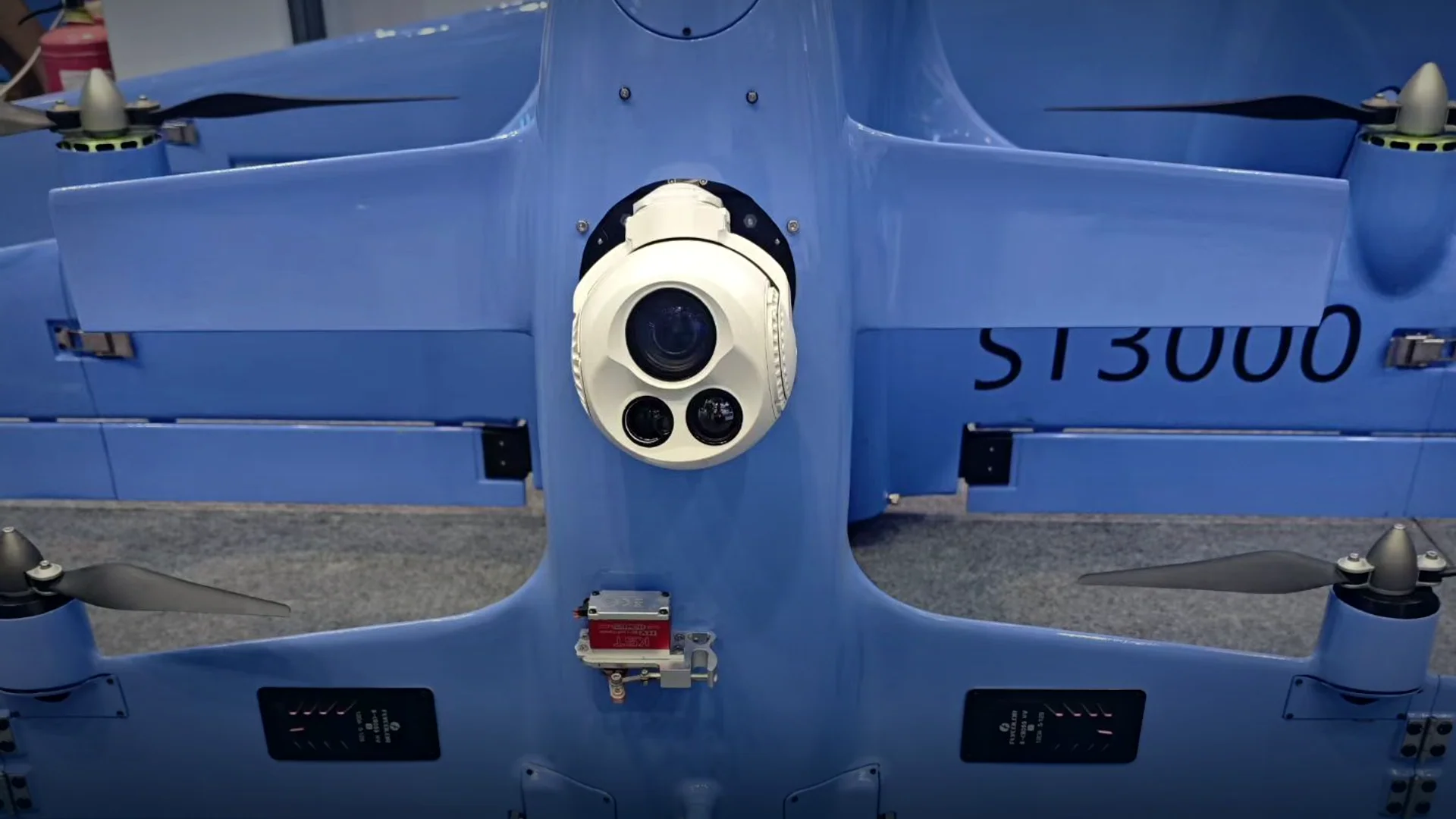
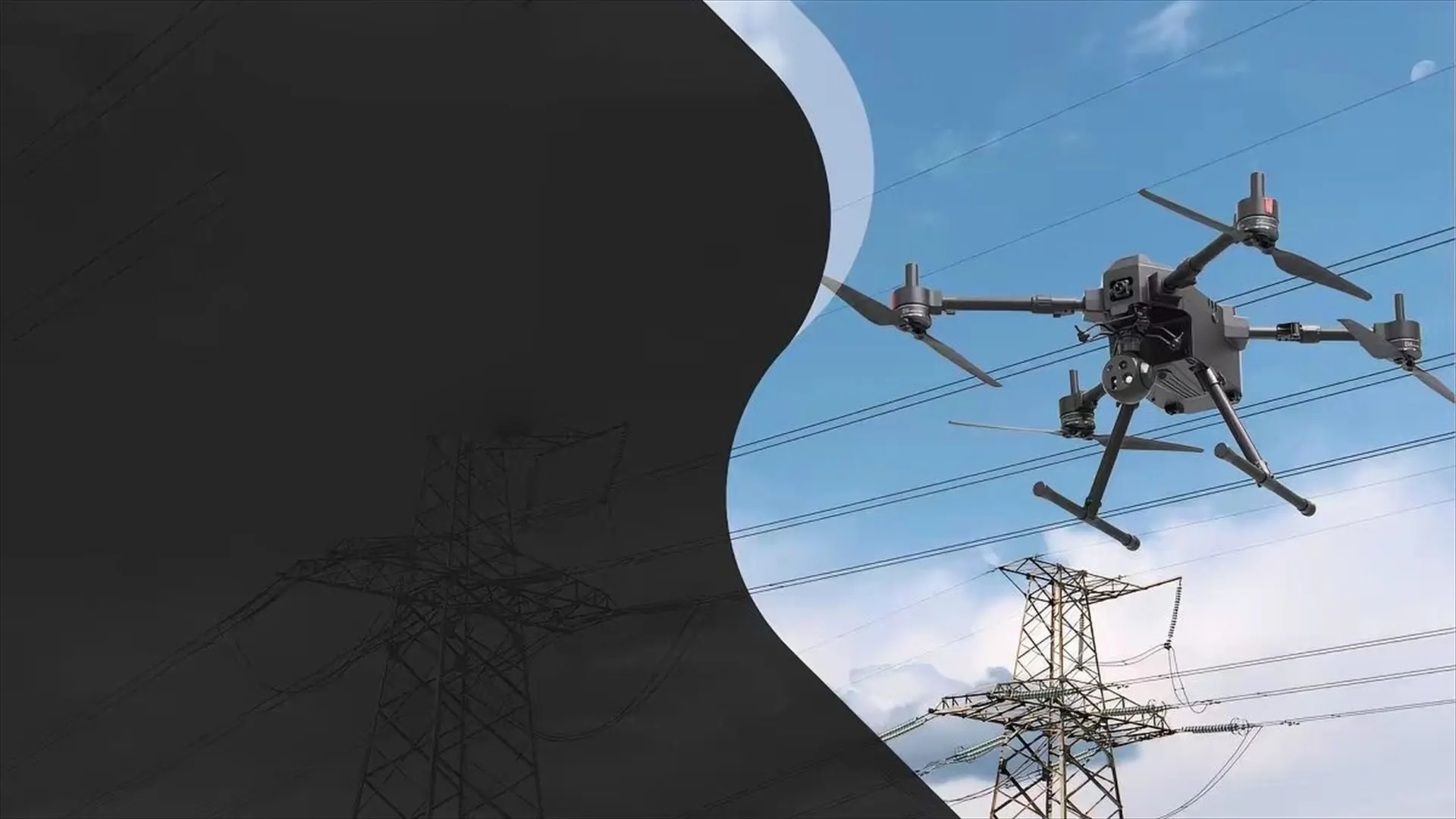
An ai tracking camera does two jobs in sequence: it decides what in the frame is worth following, then it keeps the line of sight on that object while the airframe moves. Both happen on the payload, using the visible channel, the thermal channel or both, so the behaviour an operator sees does not depend on link quality or on a laptop in a ground station.
A drone tracking camera that only follows motion loses the object the moment it stops, and a drone tracker camera that only follows a manually drawn box makes the operator hold a target through rotor wash at 30x zoom. A working drone camera tracking loop combines detection with a motion model, re-acquires after occlusion, and reports the target position back to the ground station as a coordinate.
How the loop is built
- Detection classes
Person, vehicle, vessel and aircraft detection trained on the bands the payload actually uses, so night-time tracking runs on thermal rather than on a low-light visible frame.
- Lock and follow
The operator gates a target with a box or a tap; the tracker then keeps the line of sight closed on the object while the gimbal absorbs airframe motion.
- Motion model and re-acquisition
A motion model predicts where the target will be when it passes behind a tree, a mast or another vehicle, which is what stops a track breaking on occlusion.
- Multi-target tracking
Twenty or more objects can be tracked simultaneously, with the displayed lock switching between them, so a single aircraft can watch a group rather than an individual.
- Georeferenced lock
With the laser rangefinder active, the tracked pixel becomes a range and a coordinate, which the ground station can pass to a map, another aircraft or a response team.
- Link-loss behaviour
Detection and tracking continue if the data link drops, and the payload holds the target until the link returns, instead of drifting off the object while nobody is watching.
Tracking modes and when to use them
The same payload runs several modes; the mission decides which one is armed.
| Mode | What the payload does | Use it when |
|---|---|---|
| Manual gate | The operator draws a box on any object; the payload follows it. | The target is not in the detection classes, or a specific object must be followed. |
| Click to track | A single tap locks the nearest detected object. | Fast-moving surveillance where the operator reacts rather than selects. |
| Auto detect | The payload finds and reports all targets in the field of view. | Wide-area search before a specific object has been chosen. |
| Multi-target | Tracks a group and reports each object separately. | Crowds, convoys, traffic and vessel groups. |
| Scan pattern | The gimbal runs a search pattern while detection runs continuously. | Route and perimeter sweeps where nothing specific is expected yet. |
| Geo lock | Tracks an object at a coordinate rather than a screen position. | Handing a target to a second aircraft or to a ground team. |
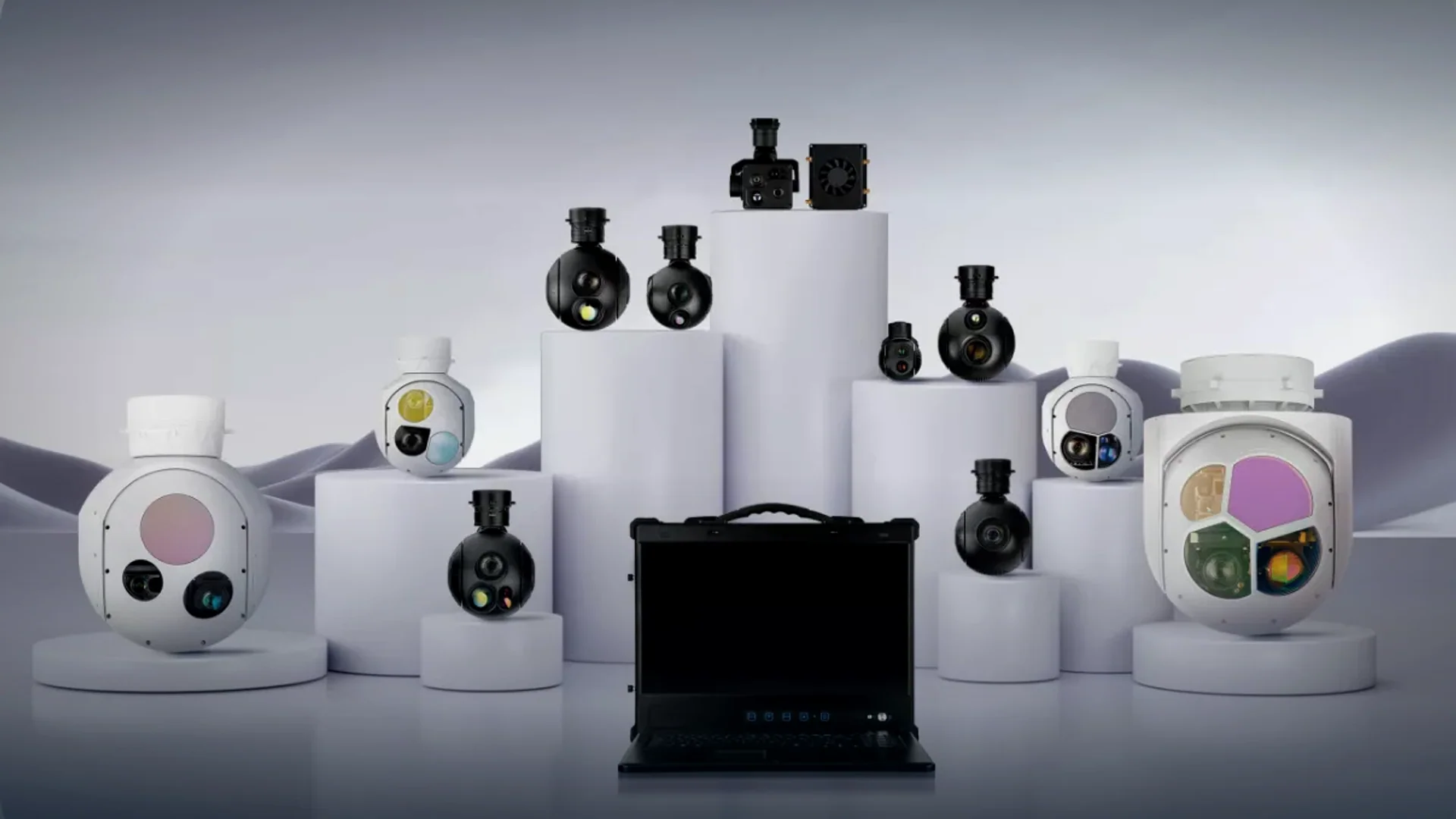
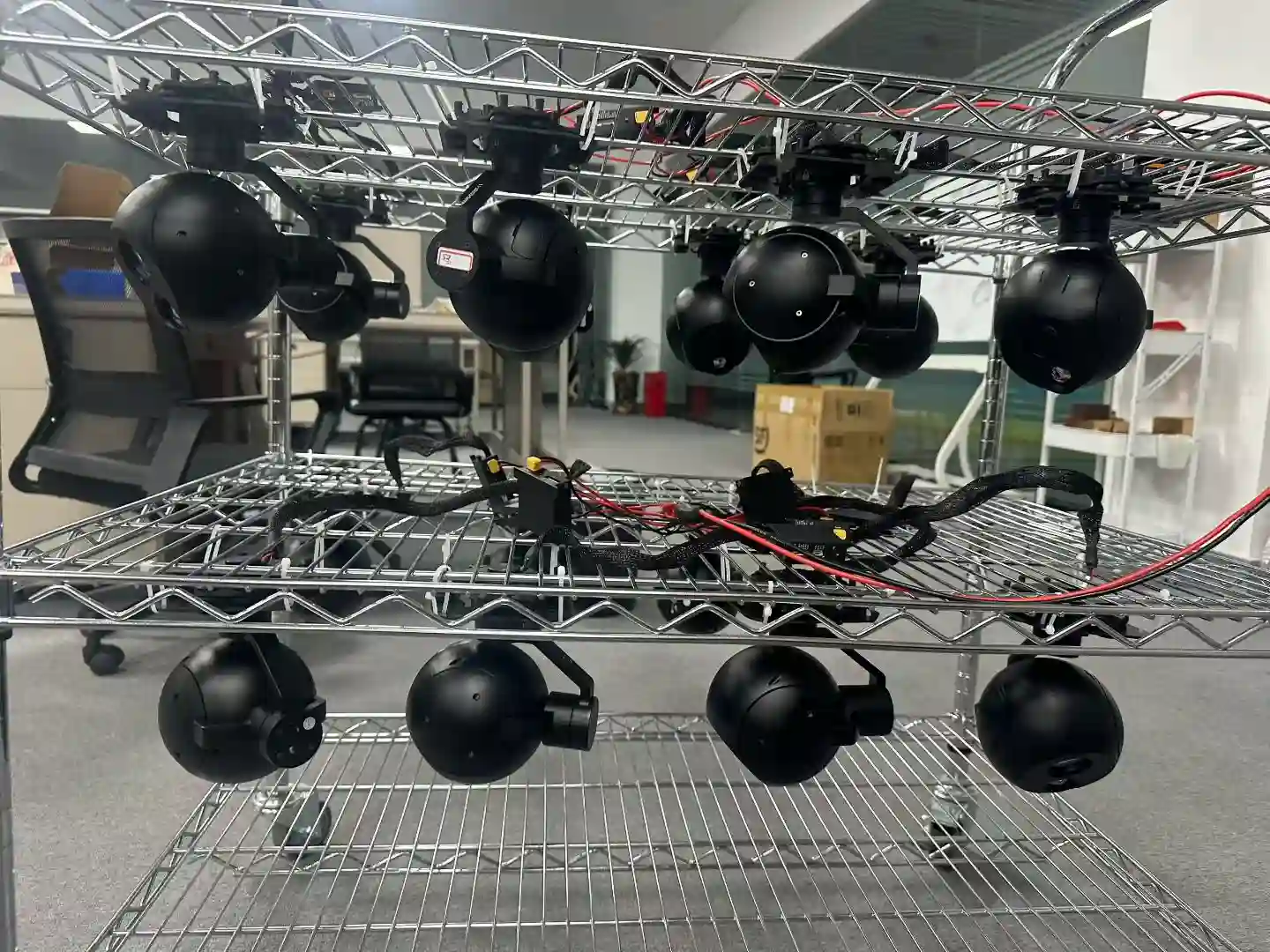
Four payloads with the full tracking module
The tracking module is the same across the range, so an operator who has flown one payload can fly them all.
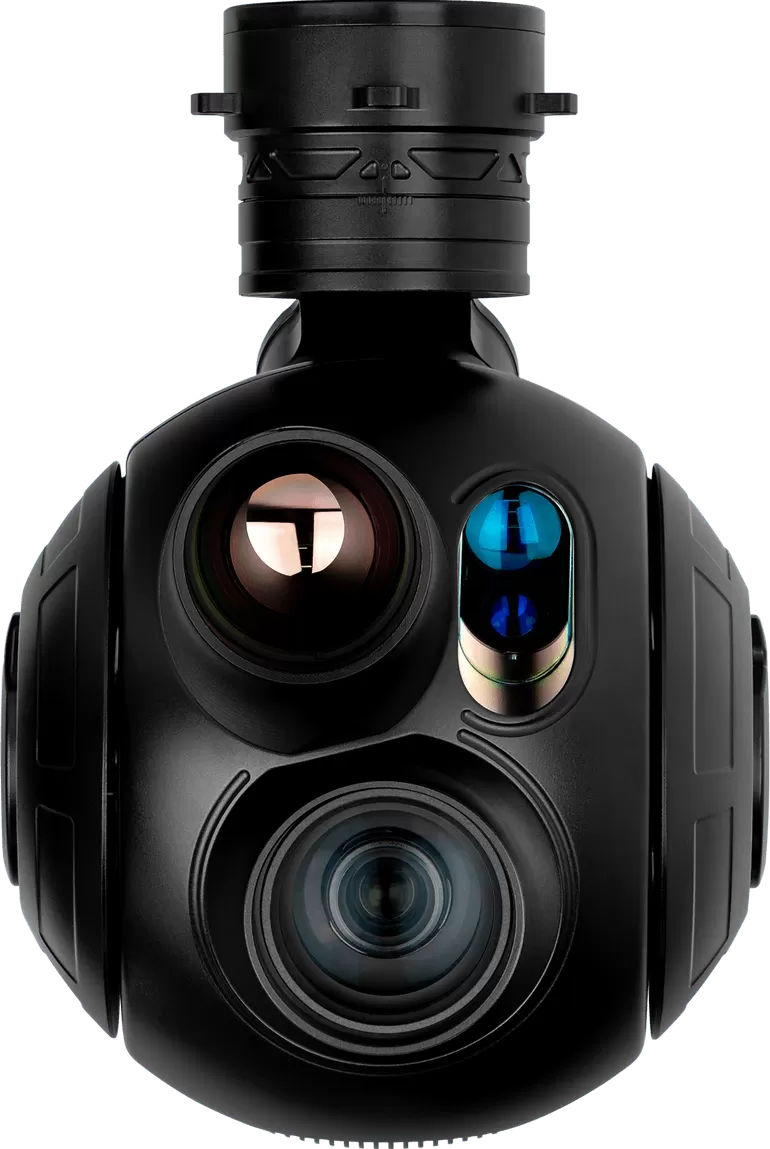
HQ · 3-axis · EO + IR + LRF
HQ-135T
The flagship of the compact range: 40x zoom, thermal imaging and 3 km ranging on one stabilised cage.
- Visible
- 1920 × 1080, 40x zoom 4.25 – 170 mm
- Thermal
- 640 × 512, 35 mm fixed
- Laser
- 15 m – 3 km (± 1 m)
- Weight
- ≤1.4 kg
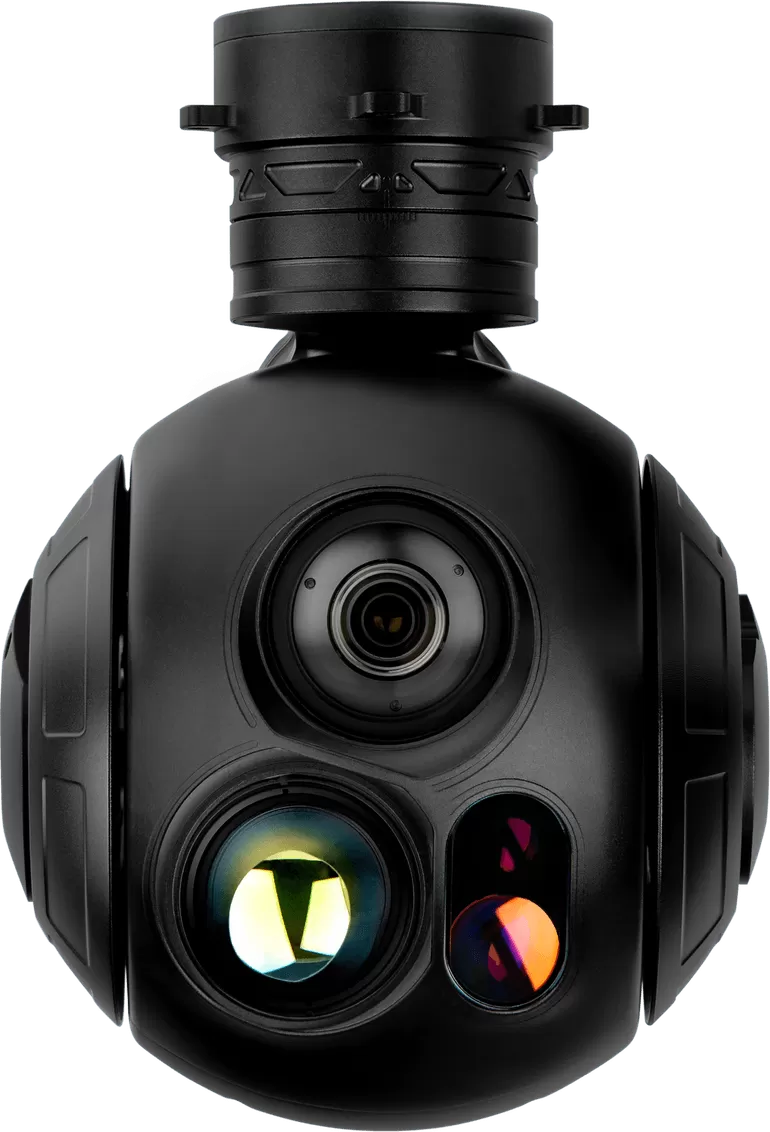
HQ · 3-axis · EO + IR + LRF
HQ-125TB
Balanced mid-range turret: 30x zoom, a long thermal lens and 3 km ranging.
- Visible
- 1920 × 1080, 30x zoom 4.3 – 129 mm
- Thermal
- 640 × 512, 35 mm fixed
- Laser
- 15 m – 3 km (± 1 m)
- Weight
- ≤1.2 kg
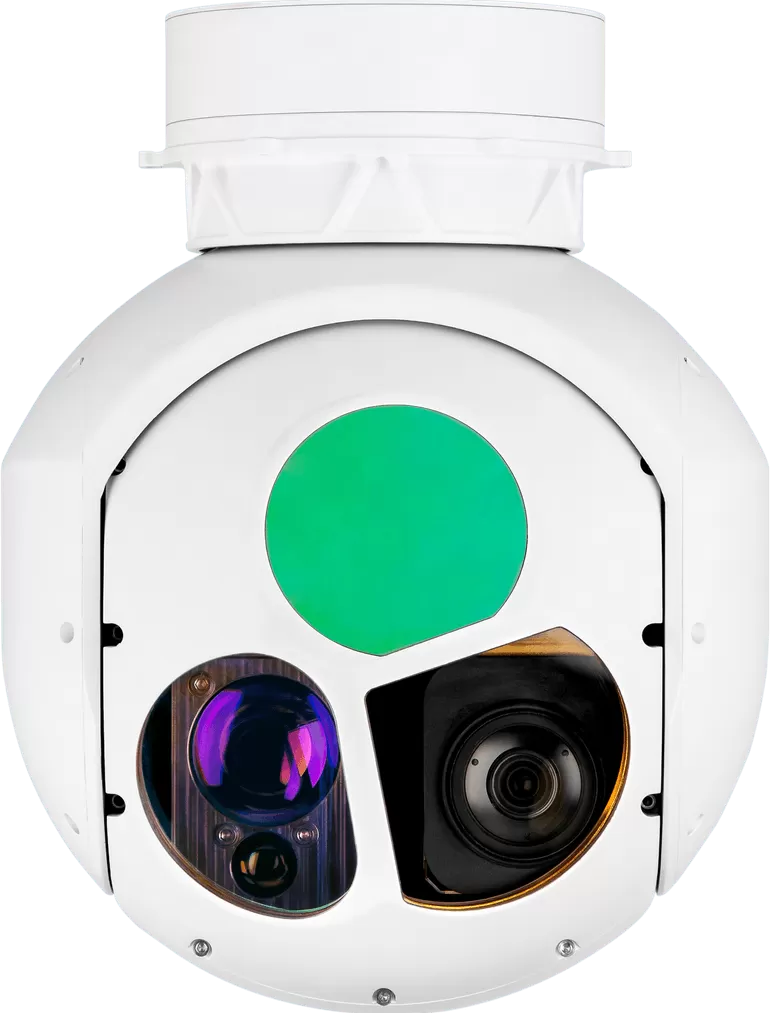
XQ · 2-axis · EO + IR + LRF
XQ-200T
A continuous-zoom thermal channel from 40 mm to 220 mm plus 9.5 km ranging on a 5 kg pod.
- Visible
- 1920 × 1080, 30x zoom 4.3 – 129 mm
- Thermal
- 640 × 512, continuous zoom 40 – 220 mm
- Laser
- 50 m – 9.5 km (± 1 m)
- Weight
- ≤5 kg
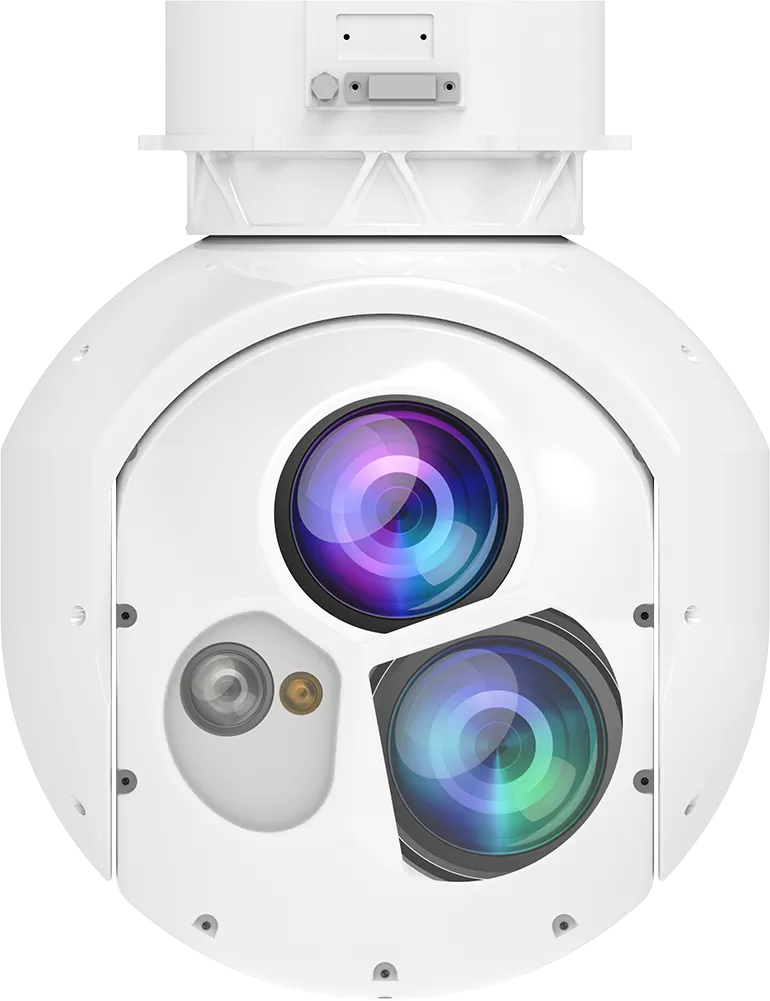
SQ · 2-axis · EO + IR + LRF + designator
SQ-200T
Laser designation plus 8 km ranging on a 5.5 kg two-axis pod.
- Visible
- 1920 × 1080, 30x zoom 4.3 – 129 mm
- Thermal
- 640 × 512, continuous zoom 40 – 220 mm
- Laser
- 300 m – 8 km (± 1 m)
- Weight
- ≤5.5 kg
Compare the range
| Model | Series | Axes | Configuration | Visible camera | Thermal imager | Laser rangefinder | Weight |
|---|---|---|---|---|---|---|---|
| HQ-135T | HQ series | 3-axis | EO + IR + LRF | 1920 × 1080, 40x zoom 4.25 – 170 mm | 640 × 512, 35 mm fixed | 15 m – 3 km (± 1 m) | ≤1.4 kg |
| HQ-125TB | HQ series | 3-axis | EO + IR + LRF | 1920 × 1080, 30x zoom 4.3 – 129 mm | 640 × 512, 35 mm fixed | 15 m – 3 km (± 1 m) | ≤1.2 kg |
| XQ-200T | XQ series | 2-axis | EO + IR + LRF | 1920 × 1080, 30x zoom 4.3 – 129 mm | 640 × 512, continuous zoom 40 – 220 mm | 50 m – 9.5 km (± 1 m) | ≤5 kg |
| SQ-200T | SQ series | 2-axis | EO + IR + LRF + designator | 1920 × 1080, 30x zoom 4.3 – 129 mm | 640 × 512, continuous zoom 40 – 220 mm | 300 m – 8 km (± 1 m) | ≤5.5 kg |
Why the compute sits on the payload
The link is the weakest part of the system
A ground-station tracker depends on a video downlink and a command uplink. Both can be degraded by terrain, distance or interference, and the failure is silent: the operator sees a frozen or degraded image and the track is already lost. Running detection and tracking on the payload removes the round trip from the control loop.
Latency and control stability
- Every stage of latency in a tracking loop makes the gimbal work harder and the image less stable.
- Payload-side ai camera tracking keeps the loop at sensor frame rate rather than at link frame rate.
- Commanding the payload to follow a target is one small message; streaming video to a ground station to compute the same result is not.
What the operator still controls
Detection proposes, the operator decides. Target classes, minimum object size, exclusion zones and whether tracking may re-acquire automatically are all set at the ground station, so the payload never escalates a track on its own.
Related pages
Tracking works with the rest of the payload, not instead of it.
- Long range imagingHolding a lock at full zoom.Read more →
- Night visionDetection on the thermal channel after dark.Read more →
- EO/IR pod systemsTurrets with the full tracking module and long rangefinders.Read more →
- Laser designator podsTracking plus 1064 nm designation.Read more →
- Evaluating and integrating an AI payloadWhich functions to specify, how to test detection and tracking separately, and what to request from a supplier before you order.Read the buyer’s guide →
- Procurement and supplier evaluationHow to write the RFQ, weight suppliers on evidence rather than price, and check what arrives before you pay for a batch.Read the procurement checklist →
Engineering detail
Detection is not tracking
Detection answers what is in the frame; tracking answers where it went. A system that detects well and tracks badly is unusable, because the operator spends the mission re-gating the target instead of watching it. That is why the tracker is evaluated on occlusion, on scale change across a zoom, and on how it behaves when the target stops moving.
Zoom changes the problem
A tracker that works at 4 mm across a wide field is not the same tracker at 129 mm, where the object fills the frame and small angular errors move it out of view. HITS runs tracking across the zoom range, which is what allows the operator to narrow the field without losing the lock.
Tracking feeds the map
A track without a coordinate is a picture. With the rangefinder in the loop, the payload reports latitude, longitude and altitude for the tracked object, which is what turns an ISR sortie into a product a customer can act on.
Detection and tracking in the video feed
Recorded from the payload video stream rather than a simulator: the boxes are drawn on the payload, so what the operator sees is what the module classified and locked.
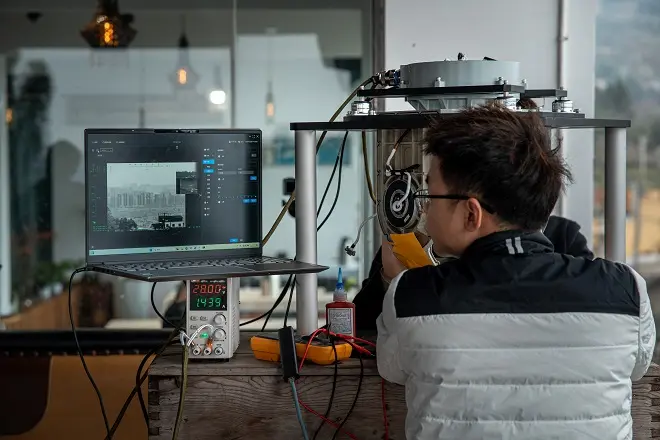
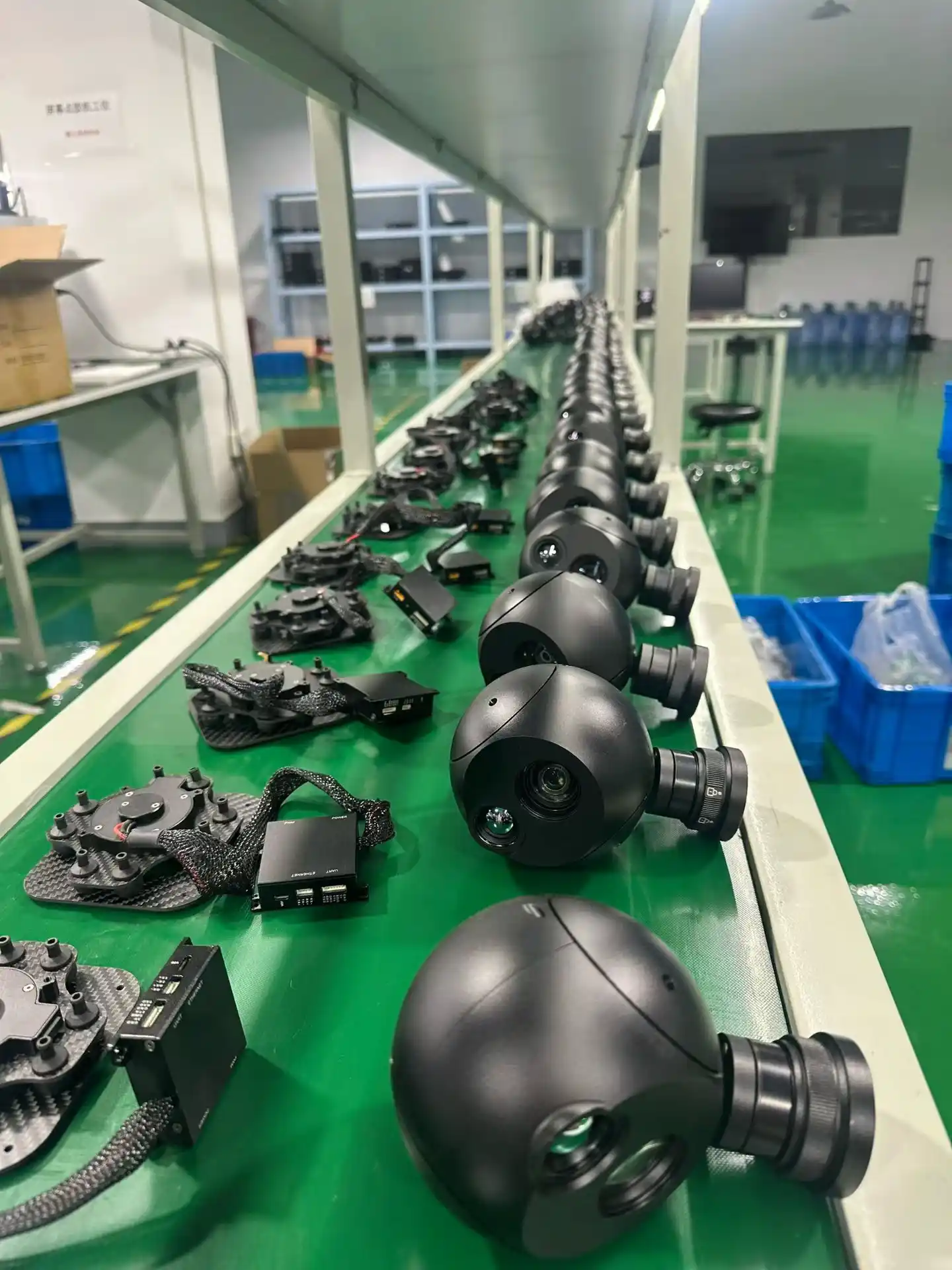
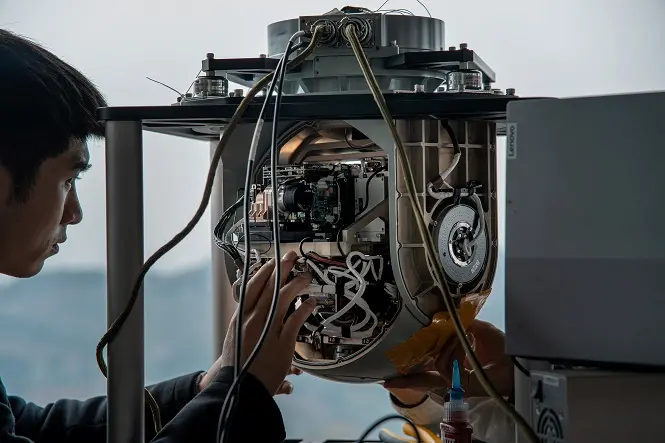
Designed and manufactured by HITS
Optics, servo hardware, stabilisation firmware and the AI tracking module are developed in house, and every unit is assembled, calibrated and environmentally tested on our own line before it ships.
Request information or a quotation
Tell us what you need to detect and follow, and we will confirm the sensor combination. Contact us with your requirements.